 01
01A partial outage hurts more than a full one
When it's all down, you put your phone away. When it's half down, you keep retrying and keep getting let down.


"If a natural disaster takes the internet down, how do you still get to your work files and your family's data?"



If an undersea cable is damaged…
A partial outage probably unfolds in stages, over several hours

What could happenVoIP calls drop
WhyBGP reconvergence + call-control servers in Japan

What could happenEverything slows down and stalls
WhyCongestion collapse + tromboning
What could happenServices drop and log you out, one by one
WhyCache TTLs run out, tokens expire, DNS fails
What could happenCloud back ends all go down
WhyThe control plane depends on servers overseas
01When it's all down, you put your phone away. When it's half down, you keep retrying and keep getting let down.
 02
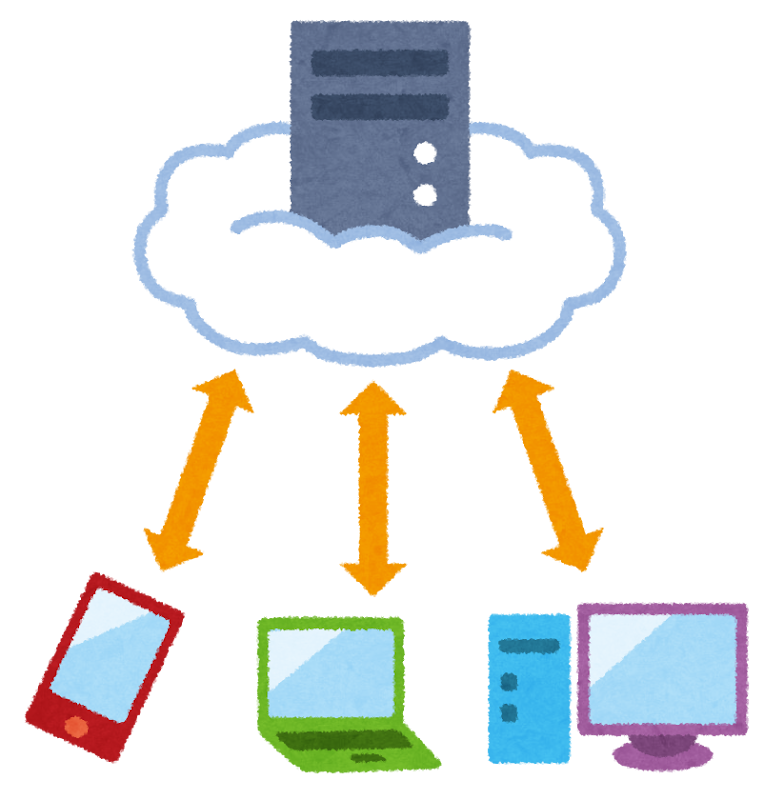
02And the key that starts it up may not be in Taiwan.
03Data plane vs. control plane
One morning, the whole island goes dark at once
It's on and off, down in some areas and for some services, and it gets fixed

Once it's down, it never comes back
Telecom crews work hard to repair it

What matters most is "how to send messages without the internet"
What matters is "can I still open my important files and folders"
Prepare for what's most likely to happen. Preparing for the most dramatic scenarios costs too much.
Each part runs the same loop: how this layer breaks → check your own setup → put a fix in place
Part 1
We start with the farthest line.
Landing stations are packed into two places: Toucheng on the northeast coast and Fangshan in the far south
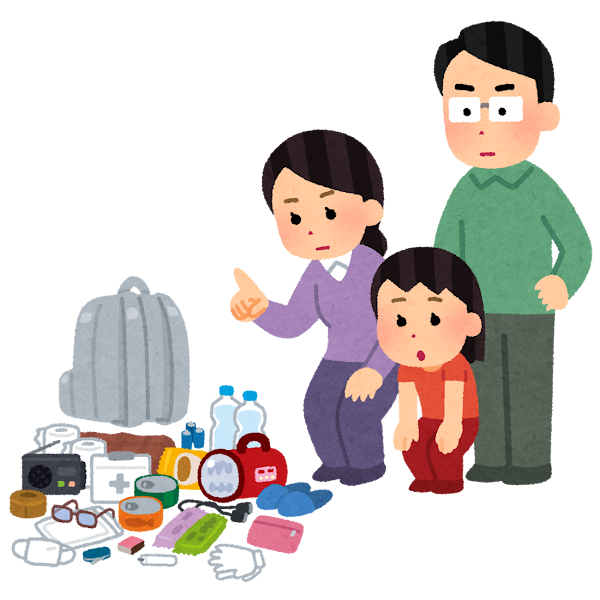
Put in the go-bag
Passwords and 2FA backup codes

Part 2
The world is still there, but you can't get out to it.
The reverse of Part 1: this time the trouble is in your own home, and the world outside is fine. The next county over may have no problem at all.
Put in the go-bag
A plan on paper (your SOP)
Part 3
The job here: "keep saving my files automatically, even while the internet is down."
Most people have only 1.5 copies right now.
Put in the go-bag
Work files that open offline

Part 4
If your files sit on a drive attached to a computer that won't turn on, do they still exist?
The chain multiplies: if any one factor is 0, the whole chain is 0.
Put in the go-bag
Get a ~300Wh portable power station for your home (or at least a large power bank)

Digital go-bag
Buy a portable hard drive, drag your "can't lose" folders onto it, and write the date on it. Next time you visit your family's hometown, leave it with a relative
Pick 10 key phone numbers, copy them onto paper, and put it on the fridge
Print the 2FA backup codes for all your accounts and keep them with your bank passbook
Agree on a meetup rule for outages: if the internet is down for more than half a day, where and when you'll meet
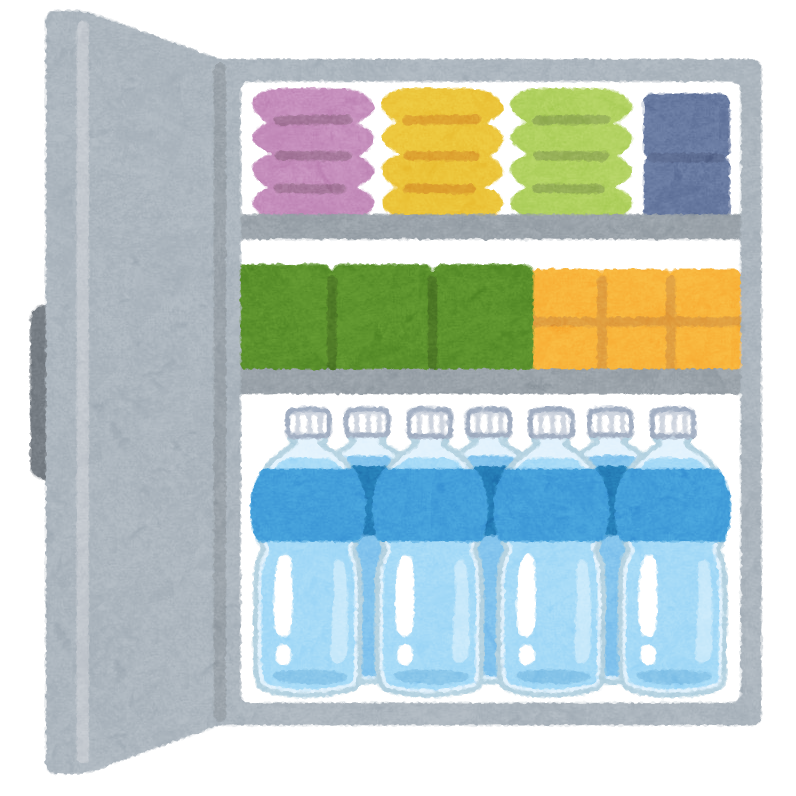
When the water or the power goes out, you won't have to rush out and fight over supplies
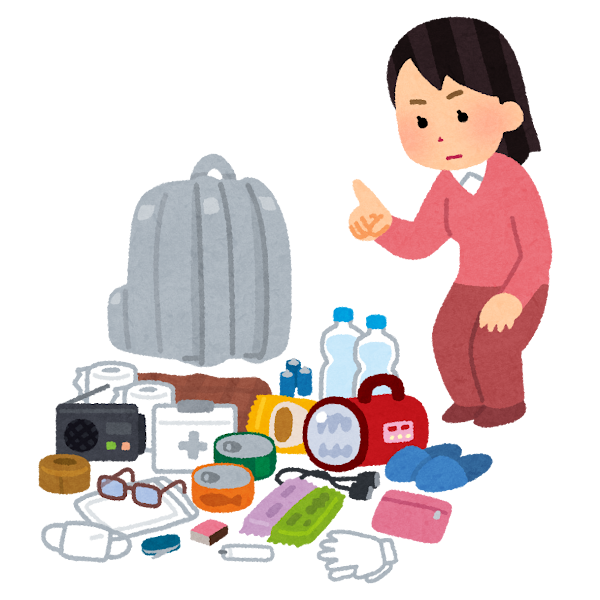
If everyone can get through their own first three days, society and the economy have a much smaller shock to absorb all at once.
A go-bag isn't only for you. It keeps rescue capacity and scarce bandwidth free for the people who need them most.
Staying in touch matters. But if the connection comes back and you still can't get to your work files, it doesn't do you much good. Everyone still has to work, and work runs on files. Even at war, Ukraine keeps working
After Russian strikes, shops along Ukrainian streets were still burning as residents walked past. The war has gone on for more than four years, and Ukrainians and local businesses have learned to keep daily life and business going through the chaos.
"As long as we're open, this city is still alive."

And offices already have the answer: every office network is a local network (LAN) of your own
When the internet goes down, nobody has to haul an antenna up a mountain. Fall back to your local network
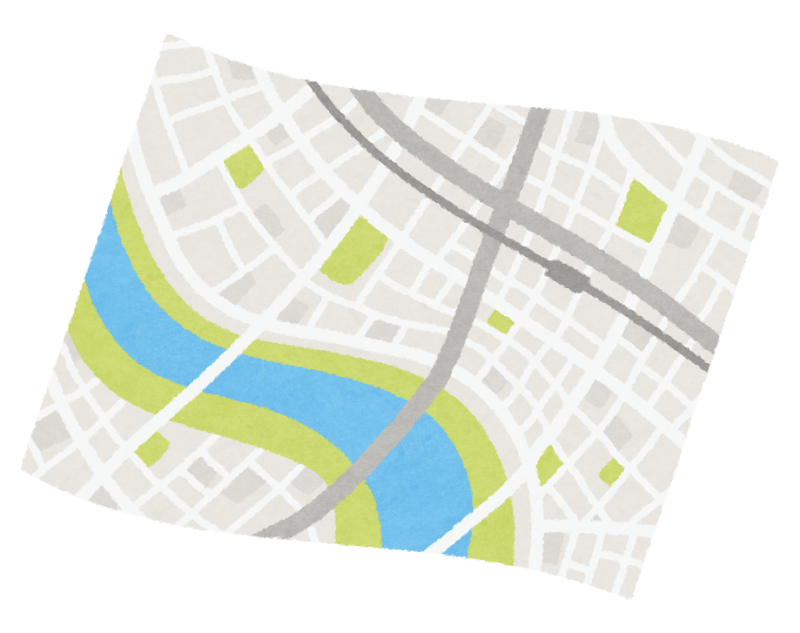
Download offline maps on everyone's phone (three areas: home, work, and your family's hometown)
Pick 10 key phone numbers, copy them onto paper, and put it on the fridge
Print the 2FA backup codes for all your accounts and keep them with your bank passbook
Agree on a meetup rule for outages: if the internet is down for more than half a day, where and when you'll meet
In Google Drive Desktop, switch your family's important folders to Mirror (the whole folder syncs both ways, automatically)
Buy a portable hard drive, drag your "can't lose" folders onto it, and write the date on it. Next time you visit your family's hometown, leave it with a relative
Get a ~300Wh portable power station for your home (or at least a large power bank) to keep the router and phones running through a blackout night
Total time: about 85 minutes (not counting "Compare prices")
All of it takes one weekend afternoon.
Get your family readyOther pages
Everyone
Family members and older relatives
Everyone
Want to talk this through, or invite us to speak? Get in touch.
Contact us