For readers who want to know why first
Why build a digital go-bag
How do internet and power outages break a family's daily routine? Understand the risks first, and you'll know what to pack.
This page goes in order. It recaps the outage timeline from the earlier talk, narrows the outage scenarios to a few you can handle, explains why you need a digital go-bag, and ends with the four-part map that leads into the later chapters.
If an undersea cable is damaged…
What could happen?
If an undersea cable is damaged…
A partial outage probably unfolds in stages, over several hours
| Time | What could happen | Likely cause |
|---|---|---|
0–5 min  | VoIP calls drop | BGP reconvergence + call-control servers in Japan |
5–30 min  | Everything slows down and stalls | Congestion collapse + tromboning |
30–60 min  | Services drop and log you out, one by one | Cache TTLs run out, tokens expire, DNS fails |
1–6 hr  | Cloud back ends all go down | The control plane depends on servers overseas |
What could happen?
1
A partial outage hurts more than a full one
When it's all down, you put your phone away. When it's half down, you keep retrying and keep getting let down.
2
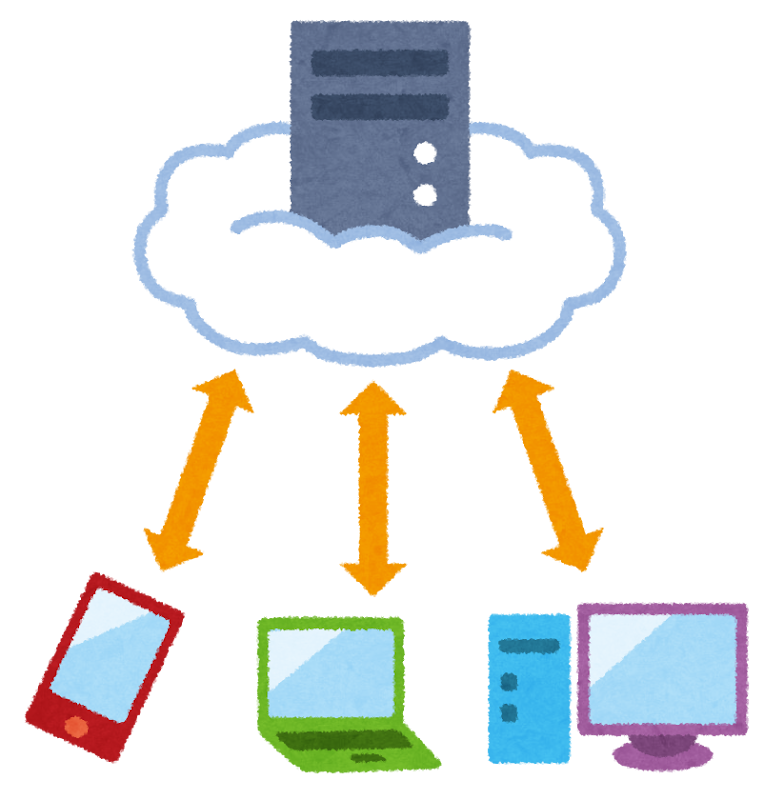
The cloud = someone else's computer
And the key that starts it up may not be in Taiwan.
3
Servers in Taiwan ≠ keys in Taiwan
Data plane vs. control plane
Too cheap to think about


Taiwan may have the one mobile data bill in the world nobody needs to budget for. An unlimited plan costs NT$599 a month. Per day, that works out to:
| What we're comparing | Cost | Bar width (scaled to cost) |
|---|---|---|
| Mobile data (unlimited) | NT$20 | |
| A bubble tea | NT$60 | |
| A boxed lunch | NT$100 |
Taiwan has more mobile numbers than people. You're online wherever you go, and nobody counts their data, because honestly, nobody has to.
Since it's so cheap, our files, notes, passwords, and memories have all moved to the cloud we can "always reach."
Narrow down the scenario
Everyone pictures a different kind of "internet outage." This section narrows it to the cases worth preparing for.
The scenarios we cover
Everyone pictures a different kind of "internet outage." We start with a few that are easy to handle but that most people haven't prepared for yet.
| No. | What you might expect | What's more likely |
|---|---|---|
1 | One morning, the whole island goes dark at once | It's on and off, down in some areas and for some services, and it gets fixed |
2  | Once it's down, it never comes back | Telecom crews work hard to repair it |
3  | What matters most is "how to send messages without the internet" | What matters is "can I still open my important files and folders" |
Prepare for what's most likely to happen. Preparing for the most dramatic scenarios costs too much.
Why "cutting it all off" isn't so easy
Taiwan's National Security Bureau says that in 2024, government agencies logged an average of
2.4 million
cyberattacks a day
Daily average in 2023: 1.2 million
National Security Bureau (Taiwan)
- To attack Taiwan, spy on it, or run foreign information manipulation and interference against it, an adversary first needs a connection to Taiwan's internet
- That connection is shared: cut all of it, and the adversary's own people on the inside lose it too
- Cutting it once isn't hard. Keeping it completely cut is
A few days of on-and-off service is more likely than the whole internet going dark.
An internet outage may look a lot like rolling blackouts
Full bars: the internet works
Offline mode: work files still open
- NormalMonday morning
- Slow, endless spinning+2 hours
- Down+1 hour
- Some services backNext day
- Down againDay 3
- Back onlineDay 5
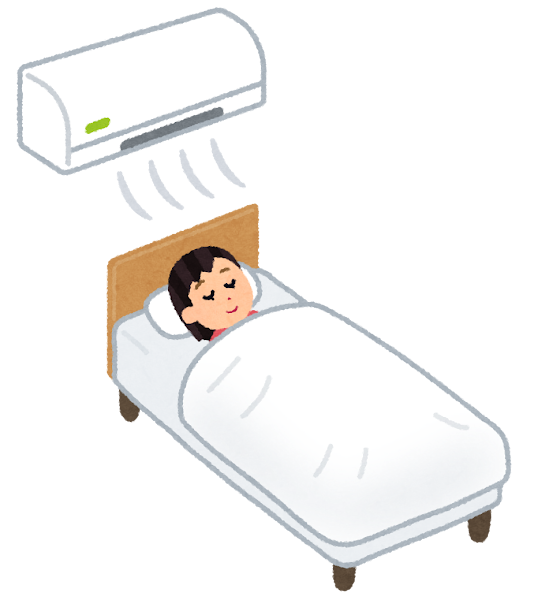
Power works the same way. Taiwan doesn't lose power all at once; outages roll by area, crews make repairs, and the power comes back. Internet repairs are done by people too: cable ships, backup routes, detours, and throttling.
So what you have to get through is the back and forth. If everything goes down at once, you probably have worse problems to worry about
What people in Taiwan worry about in an emergency…
Fully down: switch to your offline copies
When it's fully down, the screen goes dark, but the lamp stays on.
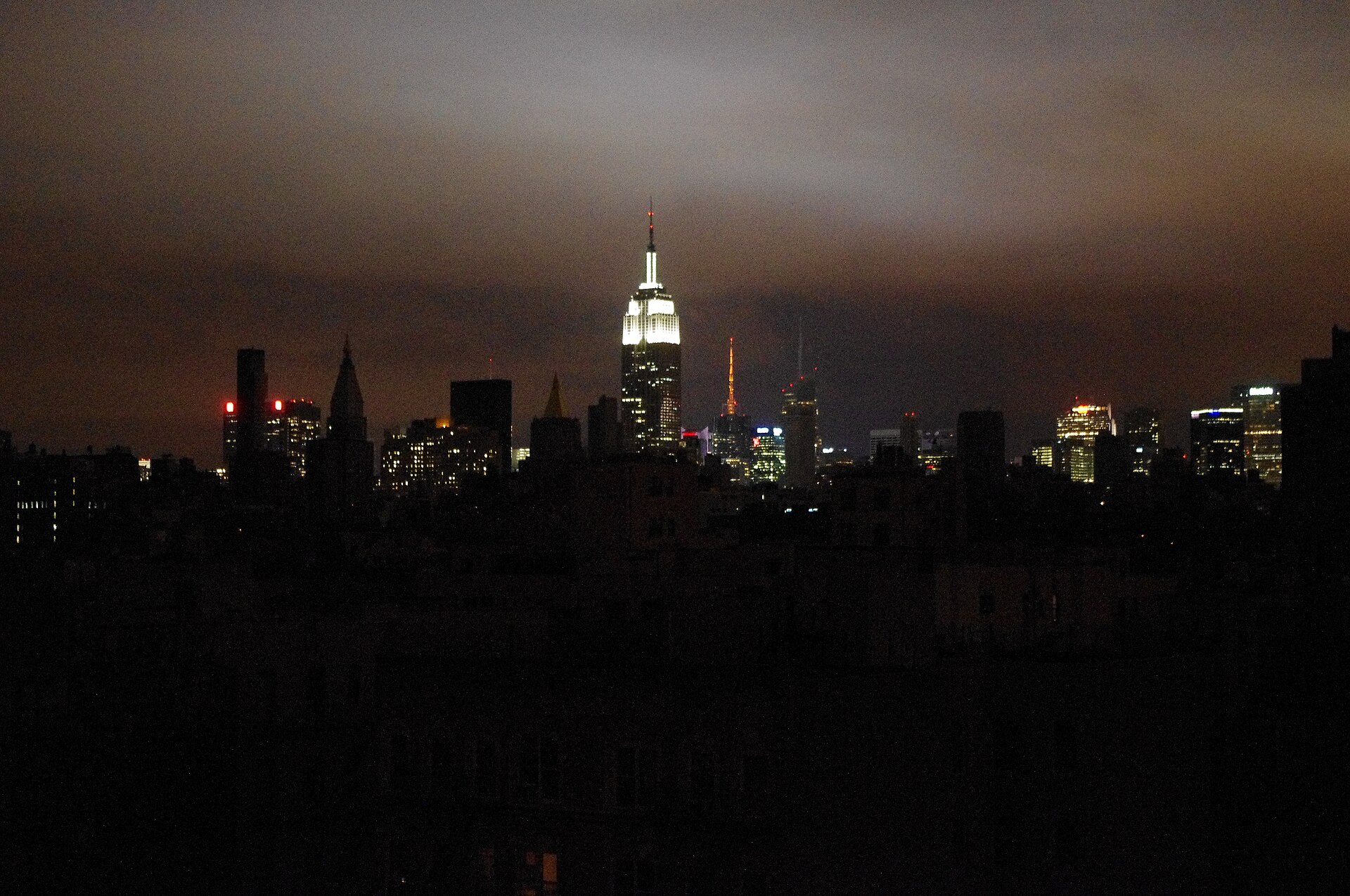
1
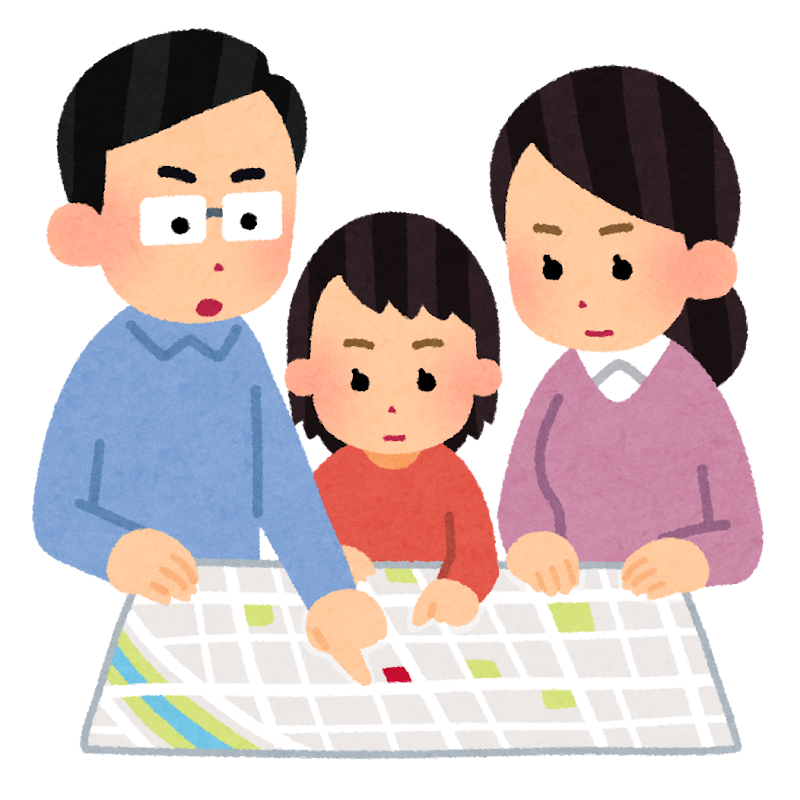
Your safety: are you and your family somewhere safe?
When power and internet both vanish for a long time, a more direct danger usually comes with it
2
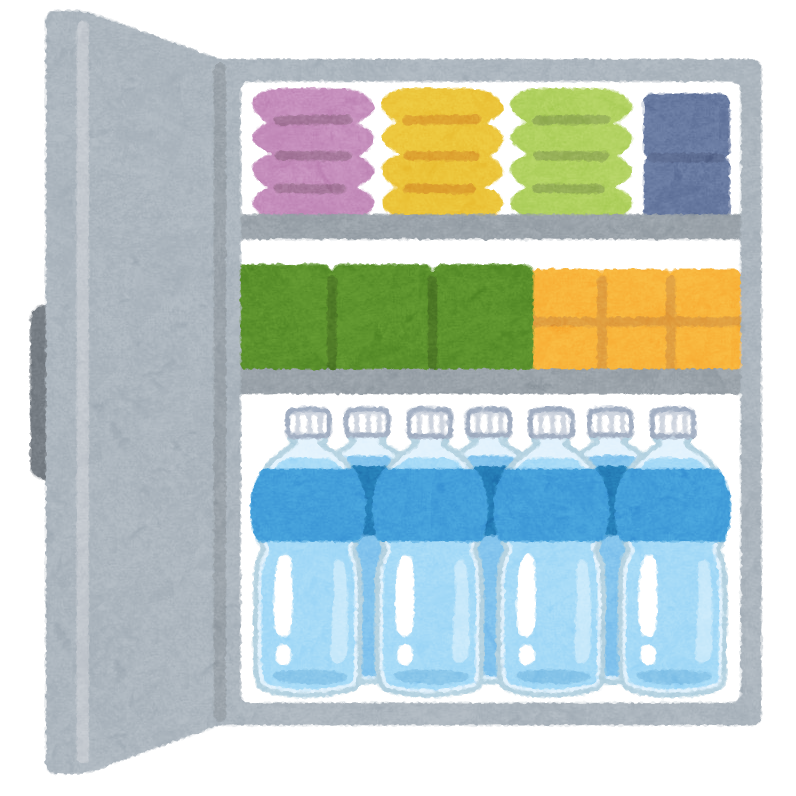
Water, food, medicine, warmth
That's what your emergency supply kit and evacuation plan are for
3
Getting "I'm OK" out to people
4
Opening your work files so your organization keeps running
If things really reach items 1 and 2, what you need more is a physical go-bag. Most digital resilience scenarios stop at items 3 and 4
If the international links go down, does the island still connect?
- Probably still worksCalling family and coworkers: calls and texts run on Taiwan's own telecom networks, and the switching happens on the island

- Probably still worksOffice Wi-Fi and your company's internal file servers: those connections never leave the country
- May be partly down"Taiwanese" websites and apps: it depends on whether their logins, payments, and CDNs are overseas (Part 1)
- Very likely downFiles kept only in an overseas cloud, with no copy anywhere else

In theory, the hardest part is getting your important files out of overseas clouds and into your own hands first.
What about LoRa mesh (e.g., Meshtastic)?
What it can do
- Plain-text messages of a few hundred bytes
- No cell towers or carriers needed
- License-free bands; with a clear line of sight, it reaches from a hundred meters to a few kilometers
- Fun to play with, and it mostly works
What it can't do
- Reliably send files, photos, voice, or video
- Guaranteed, instant delivery like LINE, the messaging app most people in Taiwan use
- "Install the app and you'll find your family"
- Island-wide coverage (no one is responsible for building that network)
It's definitely not "buy one of these and you'll stay connected in an outage." You can use it, but know that you're buying a technology that's still early in development.
What you'd have to solve to rely on LoRa mesh
- If the two ends can't reach each other, then what?
- Where do the relay nodes go? Whose rooftop?
- Who pays for the power to run that relay?
- After the power goes out, how long can the relay keep running?
- Will relays that other hobbyists set up be taken down someday?
- Who fixes broken gear? Who handles firmware updates?
- When the settings drift six months later, who fixes them?
- Someone has to retest every so often. When a test fails, who adds nodes?

LoRa mesh is definitely not a backup channel that's guaranteed to get through.
In practice, you're building your own small radio network.
So you need a digital go-bag
From why to prepare to what to pack: the go-bag, backups, a framework, and the four-part map.
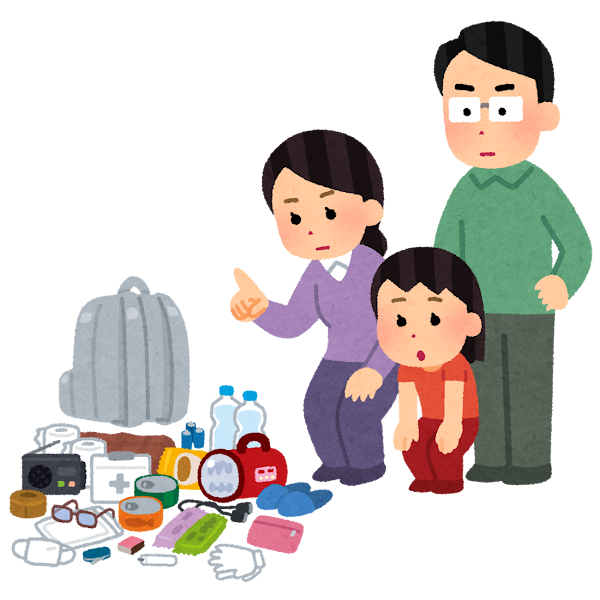
A digital go-bag works like an emergency supply kit
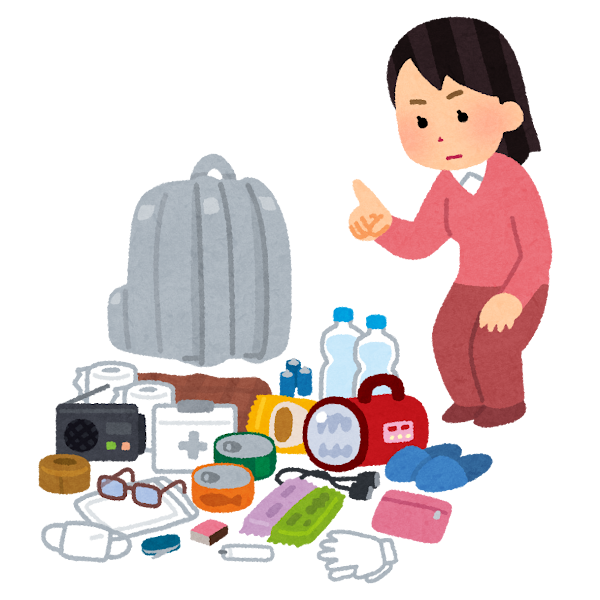
Emergency supply kit
When the water or the power goes out, you won't have to rush out and fight over supplies
- Three days of water and nonperishable food
- Flashlight, batteries, and a radio
- Everyday medicines and a list of your prescriptions
- Some cash
Digital go-bag
When the internet goes down, you won't have to go asking for help right away
- Work files that open offline
- Contact lists, rosters, and address books
- Passwords and 2FA backup codes
- A plan on paper (your SOP)
If everyone can get through their own first three days, society and the economy have a much smaller shock to absorb all at once.
A go-bag isn't only for you. It keeps rescue capacity and scarce bandwidth free for the people who need them most.
Daily life and business have to go on
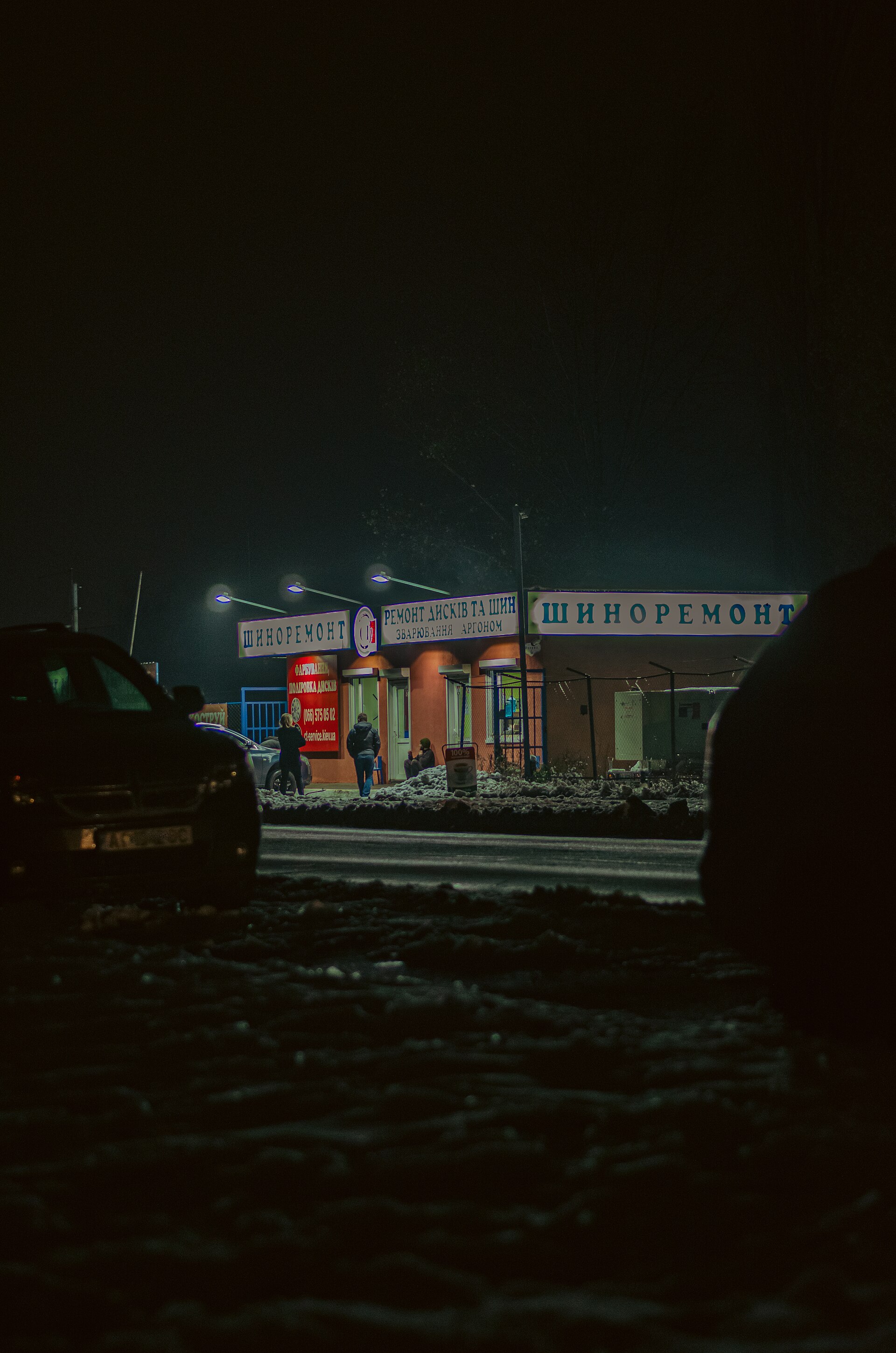
Staying in touch matters. But if the connection comes back and you still can't get to your work files, it doesn't do you much good. Everyone still has to work, and work runs on files. Even at war, Ukraine keeps working
After Russian strikes, shops along Ukrainian streets were still burning as residents walked past. The war has gone on for more than four years, and Ukrainians and local businesses have learned to keep daily life and business going through the chaos.
"As long as we're open, this city is still alive."
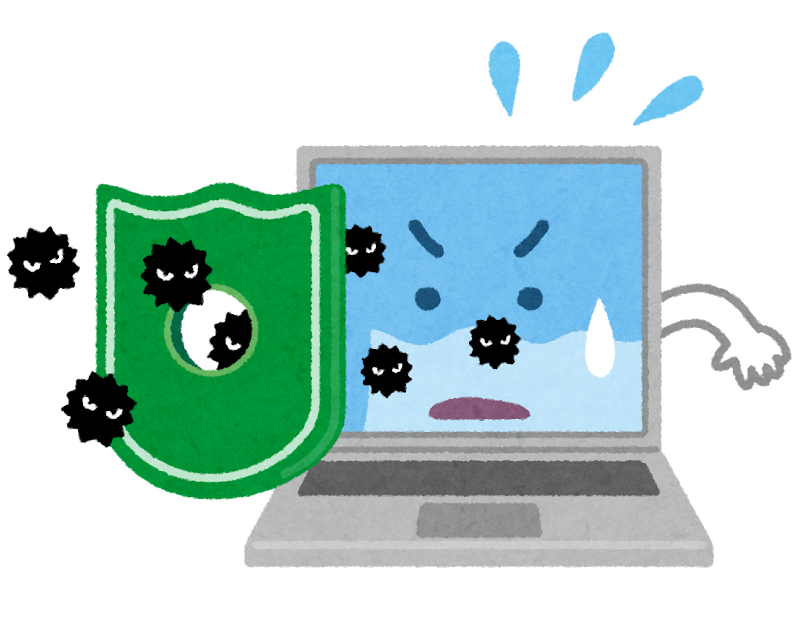
STRIDE, a security framework
| Letter | Threat | Question |
|---|---|---|
| S | Spoofing | Is that really who it claims to be? |
| T | Tampering | Has the content been changed? |
| R | Repudiation | Can someone deny what they did? |
| I | Information disclosure | Did someone see what they shouldn't? |
| D | Denial of service | Does it still work? |
| E | Elevation of privilege | Did someone get access they shouldn't have? |
STRIDE lists the systematic threats to each component. We cover only D, and we split D into four layers.
The four parts of an outage
Each part runs the same loop: how this layer breaks → check your own setup → put a fix in place
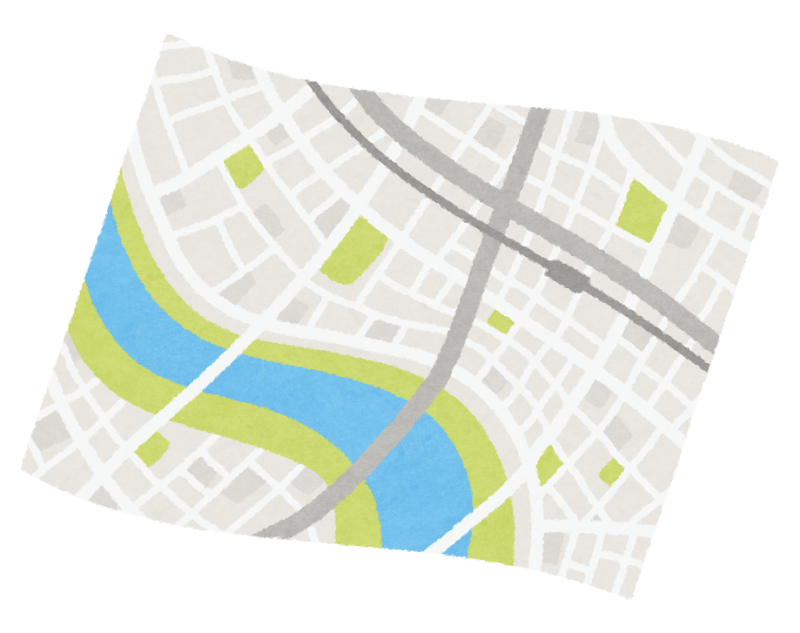
- 1
Cut off from the world

- 2
Cut off from your ISP
- 3
Two-way backup and sync
- 4
The last mile is power
Go home and try it yourself